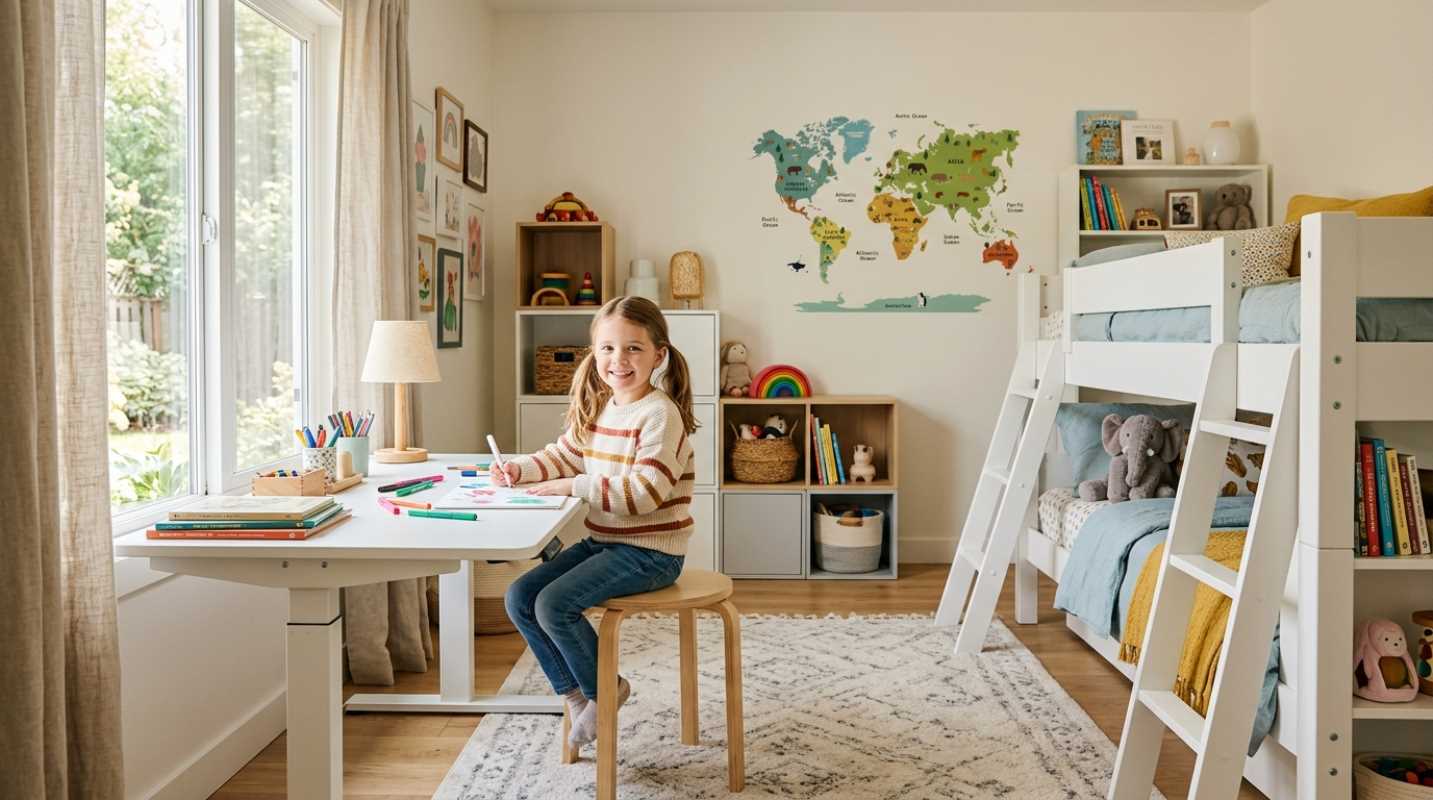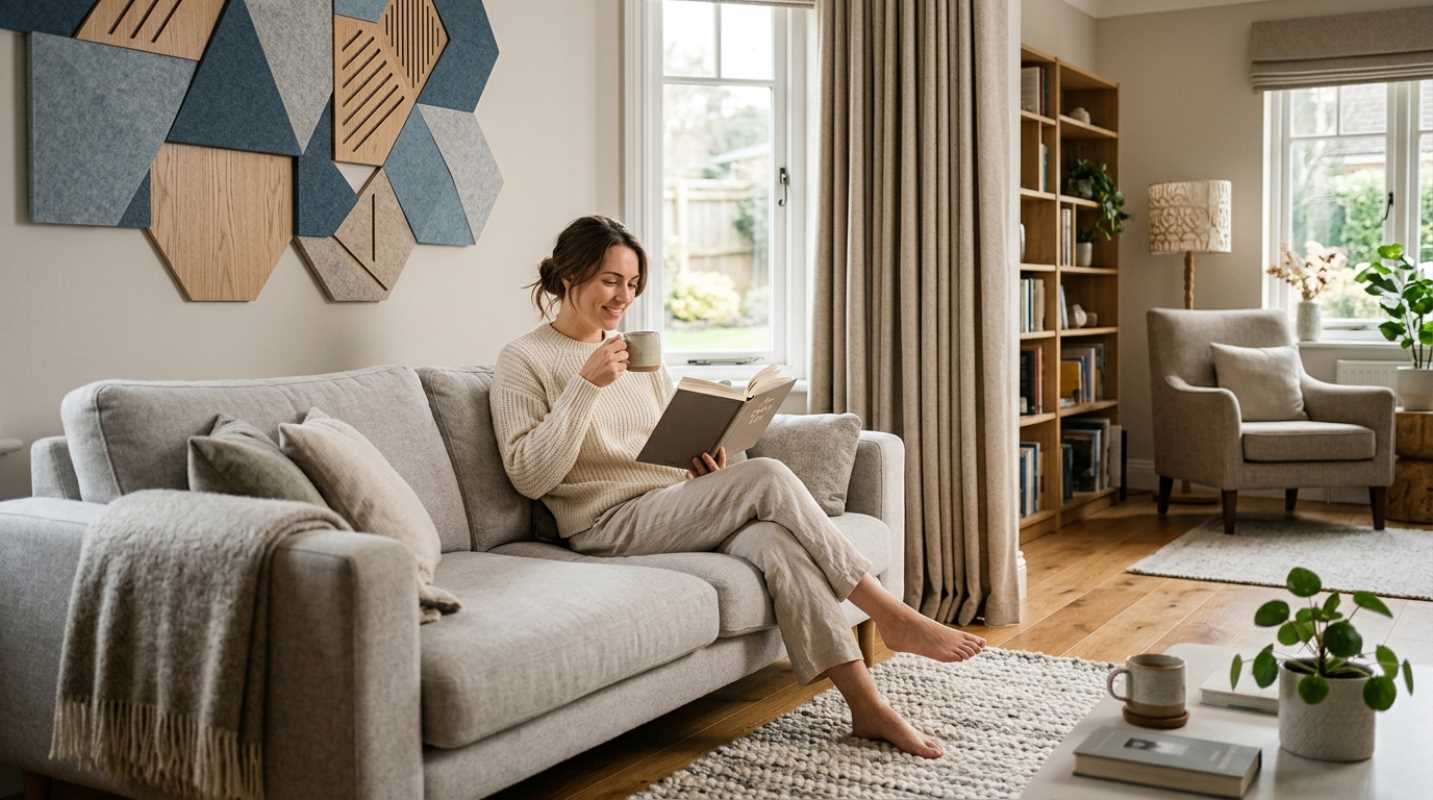
Have you ever tried putting together a complex proposal while sitting on a soft couch? Or maybe you have spent hours tapping away at a keyboard from your kitchen island, dodging stray cereal boxes and coffee mugs. You might get through the day, but by 3 PM, your back aches and your brain feels completely drained.
Working from home is a permanent reality. Roughly 22 percent of employees work at least part of the time.¹ Research shows that people working on individual, focus-heavy tasks from home can see up to a 13 percent boost in productivity when they have the right environment.² To actually hit that state of deep focus, you need a space that works as hard as you do.
Moving away from improvised spots like dining chairs or kitchen counters is about building a physical boundary that tells your mind it's time to lock in. When you step into a dedicated workspace designed for focus, you stop fighting your physical surroundings and start doing your best work.
Ergonomic Home Office Setup Tips for Long-Term Health
If your body hurts while you work, your focus takes a nosedive. It's that simple. Over 69 percent of screen workers deal with Computer Vision Syndrome, and physical strain accounts for a massive chunk of lost work time.³ Fixing your setup's physical foundation saves you from afternoon fatigue and chronic aches.
Here are the core physical adjustments you should make right now
• Lower back support: Adjust your chair so it fills the inward curve of your spine. If your chair lacks dynamic lumbar support, place a small pillow behind your lower back.
• Seat depth: Leave three to four inches of space between the back of your knees and the front of your seat. This simple gap keeps blood flowing freely to your legs.
• The 90-degree rule: Set your desk and chair height so your upper arms hang naturally and your forearms sit parallel to the floor. Your elbows should bend at a 90 to 100-degree angle while typing, keeping your wrists neutral.
• Monitor alignment: Place your display straight ahead, about an arm's length away. The top edge of your screen should line up right at eye level so you aren't tilting your neck down.
• The 20-20-20 eye break: Every 20 minutes, take 20 seconds to look at an object 20 feet away. This quick habit resets your eye muscles and cuts down on screen fatigue.
If you spend long hours at your desk, try alternating between sitting and standing every 30 to 60 minutes. Pairing a motorized standing desk with a low-profile under-desk walking pad keeps your circulation going without breaking your concentration.
Design Elements That Boost Focus and Creativity
Once your physical setup is comfortable, you can focus on sensory design. Lighting, plant life, and noise control change how your brain operates throughout the workday.
Start with your lights. Warm bulbs might feel cozy in a living room, but they make you sleepy at your desk. Cool white light in the 4000K to 5000K range mimics natural daylight, which sharpens attention during peak morning work hours. Make sure your workspace hits between 300 and 500 lux of light, and set your screen perpendicular to windows so you don't fight harsh glares.
Bringing nature inside makes a measurable difference, too. Studies show that biophilic elements like living indoor plants, natural daylight, and unvarnished wood textures can boost focus and output by 8 to 15 percent. Adding low-maintenance greens like a pothos or snake plant purifies the air and brightens up your desk without requiring a green thumb.
Do not overlook sound control. Acoustic felt wall panels, heavy drapery, or simple active noise-canceling headphones block out household distractions like barking dogs or noisy appliances. Proper room ventilation and fresh airflow also prevent afternoon brain fog.
Organizing a Small Workspace Without the Clutter
Not everyone has a massive spare room. Many of us are working out of a guest room corner or a small nook. The good news? You do not need a lot of square footage to build a great office. You just need smart storage approaches.
When floor space is tight, go vertical. Floating shelves, pegboards, and wall-mounted organizers get stray papers and tech gear off your desktop.
Follow a strict rule for your main desk surface: keep only daily needs within arm's reach. Your laptop, mouse, notepad, and water glass are usually all you need. Everything else belongs in a drawer or on a wall shelf.
Physical mess creates mental static, but digital chaos causes just as much stress. Take five minutes at the end of every afternoon to clear off your computer desktop, close unneeded browser tabs, and route your power cables through under-desk management trays. Hiding black power cords behind clean furniture frames makes even a tiny space feel light and calm.
Personalization and Making It Your Own
A functional workspace shouldn't feel like a sterile cubicle. To build a space you actually want to spend eight hours in, add details that make you feel comfortable and inspired.
Mix your work equipment with warm personal touches. Hang art prints that bring you joy, display a piece of pottery from a memorable trip, or pick desk accessories in warm tones like sage green or terracotta. Modern design trends lean heavily toward stealthy tech gear that blends into warm home decor rather than harsh industrial equipment.
Think about sensory cues that help trigger your flow state
• Soundscapes: Ambient lo-fi beats, rain audio, or brown noise help drown out distracting background sounds.
• Scent: Diffusing crisp natural scents like rosemary, peppermint, or eucalyptus can sharpen your mental alertness during focus blocks.
• Tactile surfaces: Choose wool felt desk mats, leather blotters, or smooth wooden surfaces to make sitting down at your desk feel inviting.
Sustaining Your Productive Haven
Building an effective home office is an ongoing process, not a one-time project. As your daily work routines shift, your environment should adapt with you.
The secret to long-term remote work success is creating clear physical and mental boundaries. When your workday ends, shut down your computer, step away from the desk, and switch off your task lights. This simple physical ritual signals to your brain that work is officially over and rest can begin.
Take time every few months to evaluate what is working and what feels clunky. Swap out a chair that lacks support, add a new plant, or reorganize your drawers. When you invest in making your physical space comfortable and functional, sitting down to work becomes something you look forward to every day.
Sources:
1. breeze.pm
https://www.breeze.pm/blog/remote-work-statistics
2. apollotechnical.com
https://www.apollotechnical.com/working-from-home-productivity-statistics/
3. poudrevalleyeyecare.com
https://www.poudrevalleyeyecare.com/blog/working-from-home-eye-strain-remote-workers-complete-guide/
*This article on decorgeous is for informational and educational purposes only. Readers are encouraged to consult qualified professionals and verify details with official sources before making decisions. This content does not constitute professional advice.*